How to display Related Pages/Content in WordPress? [STEP BY STEP]☑️
In this article we will learn how to display Related Pages and content in WordPress. Getting visitors to your website is hard, getting them to stay on the page is even harder. But you can make your visitors to stay on your webpage by providing them with related contents.
Follow the steps to display Related Pages in WordPress:
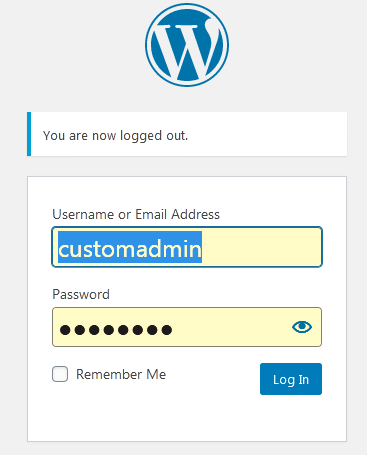
Step::1 Login to your WordPress admin dashboard
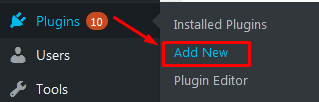
Step::2 Go to Plugins and click on Add New
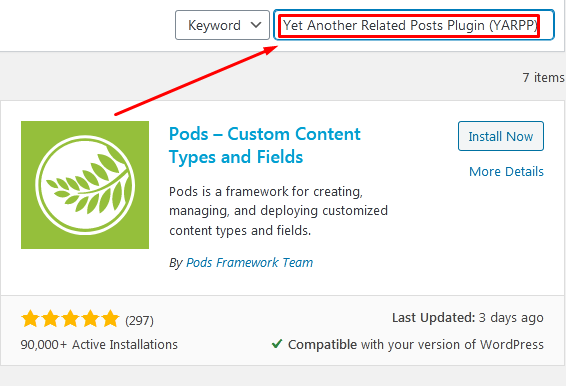
Step::3 Search for “Yet Another Related Posts Plugin (YARPP)” plugin in the search box
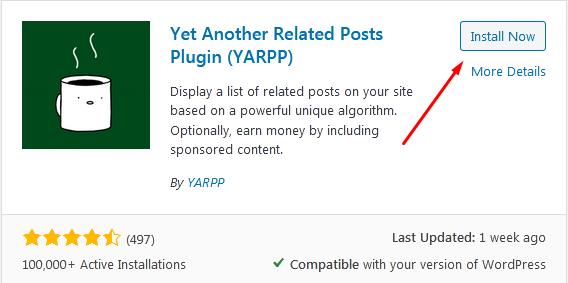
Step::4 Click on Install Now button
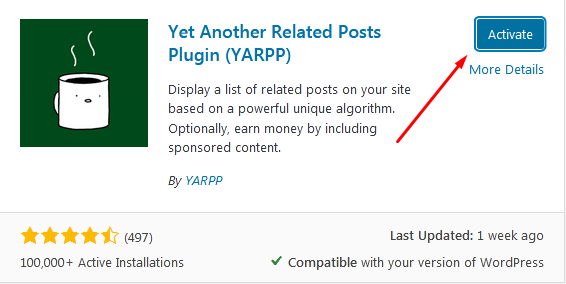
Step::5 Now click on Activate button
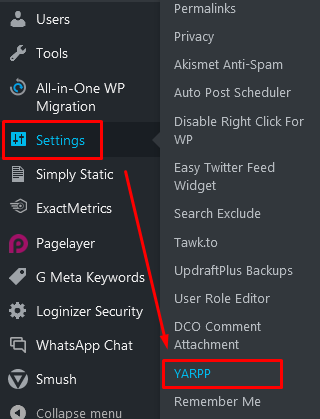
Step::6 On the left-hand admin panel click on Settings and select the YARPP option.
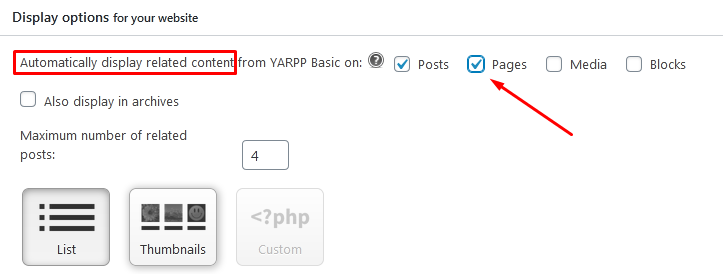
Step::7 Scroll down to the Display options section. The first option allows you to choose if you want to display relates posts, pages, or media. You can also set Maximum no. of related posts to display.
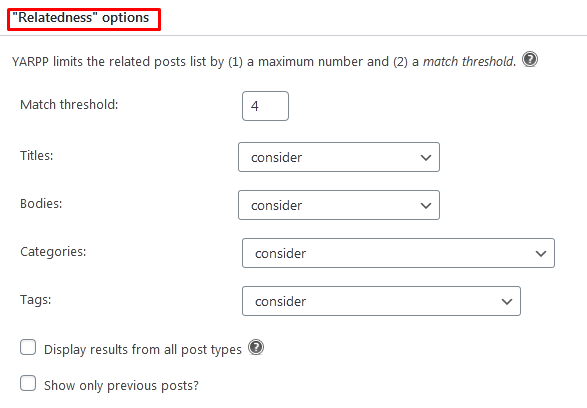
Step::8 You can make changes in the Relatedness option like Match threshold, Titles, Bodies, Categories etc.
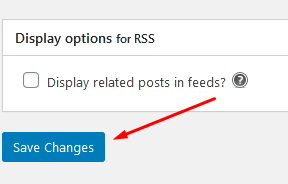
Step::9 Once you are done changing the settings of the plugin, click on the “Save Changes” button.
Congratulations, you have successfully set up the YARPP plugin to display relates pages on your WordPress website.
This will help visitors find related content when entering your website.
Thanks for Reading this article
The End! should you have any inquiries, we encourage you to reach out to the Vercaa Support Center without hesitation.