- Login to WHM with root access.
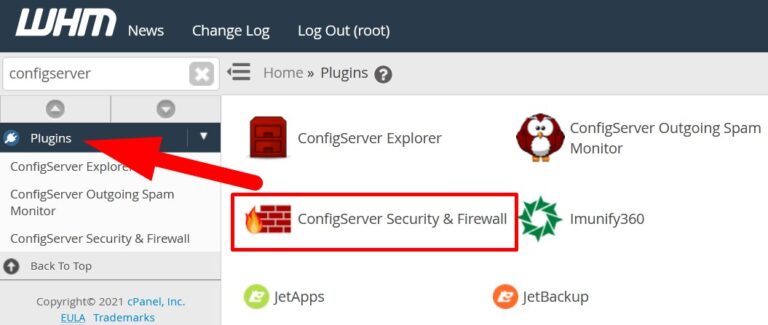
- Navigate to Plugins section and select ConfigServer Security & Firewall.
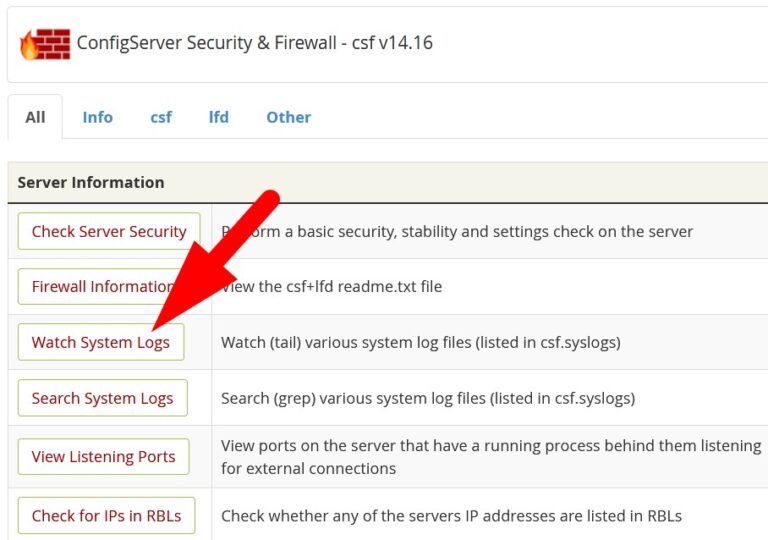
On the next page, click over Watch System Logs and proceed.
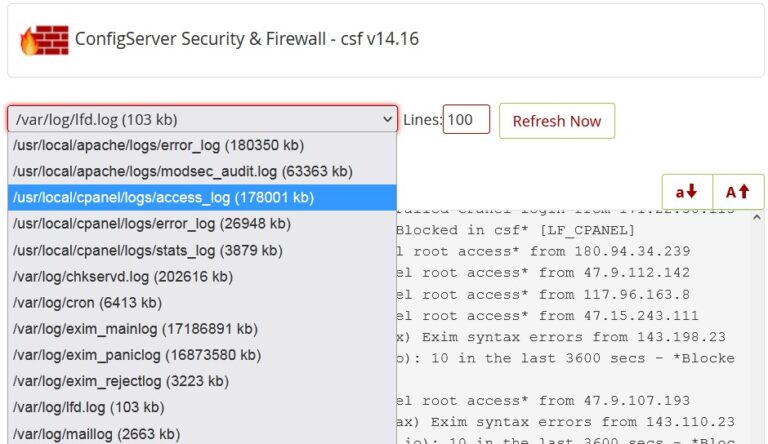
Then select cPanel access_log from the drop down button and proceed.
All the cPanel/WHM access logs will appear.
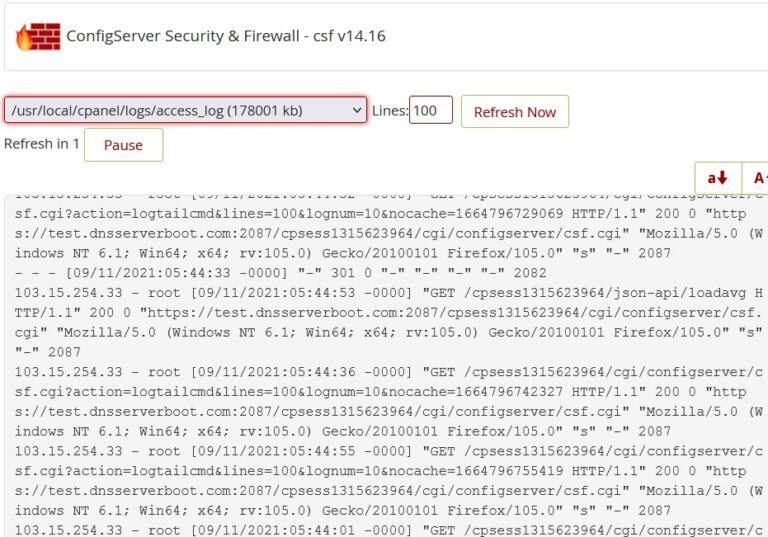
From the above given image you can observe the access logs or check cPanel related activities.
The End! should you have any inquiries, we encourage you to reach out to the Vercaa Support Center without hesitation.